
Getting Started Guides
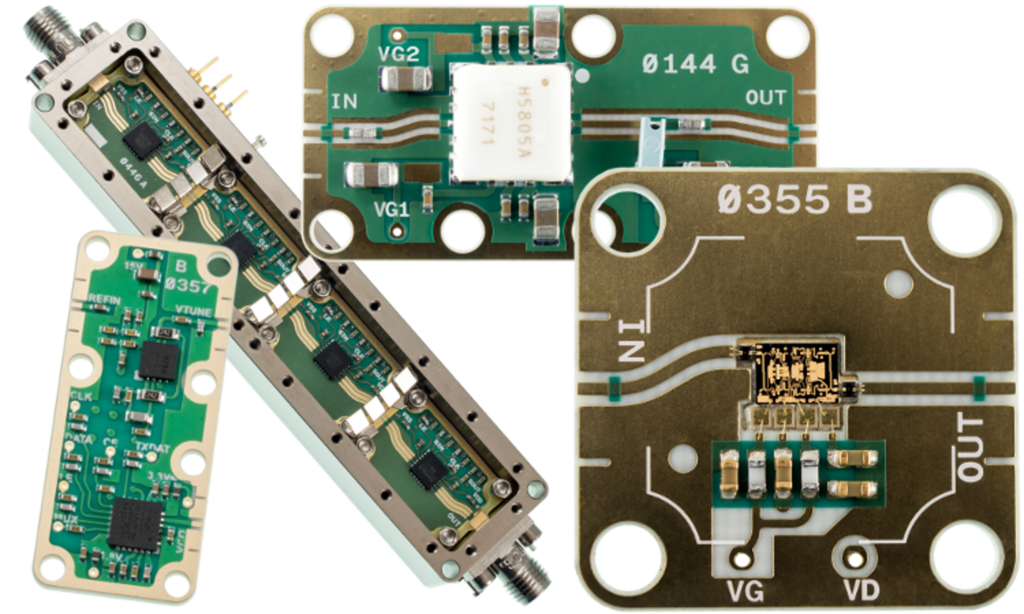
X-MWsystem Getting Started Guide
Explore the Getting Started Guide to see how the design system works and how to move from concept to hardware quickly. Most teams begin with the Prototyping Station Kit (XM-PSK2-07)—a complete setup that includes a 32×32 prototyping plate, two 50 GHz probes, and test cables—so you can start building and validating right away.
From there, add GSG jumpers and anchors (cost-effective and scalable to your design size), then move into RF part selection—whether that starts as a quick schematic sketch or takes shape in our Layout Tool for precise mechanical layout planning.
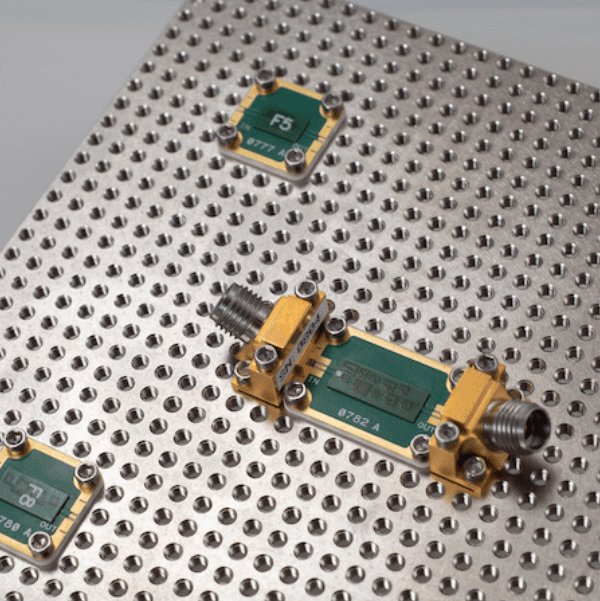
X-MWblock Filter Guide
Choosing the right filter is an art balancing size, cost, performance, and fabrication time. There are many approaches available in the X-Microwave system for both off-the-shelf and custom filter solutions. Review the X-MWblock Filter Guide to learn about a few of the options available in the X-MWblock format.
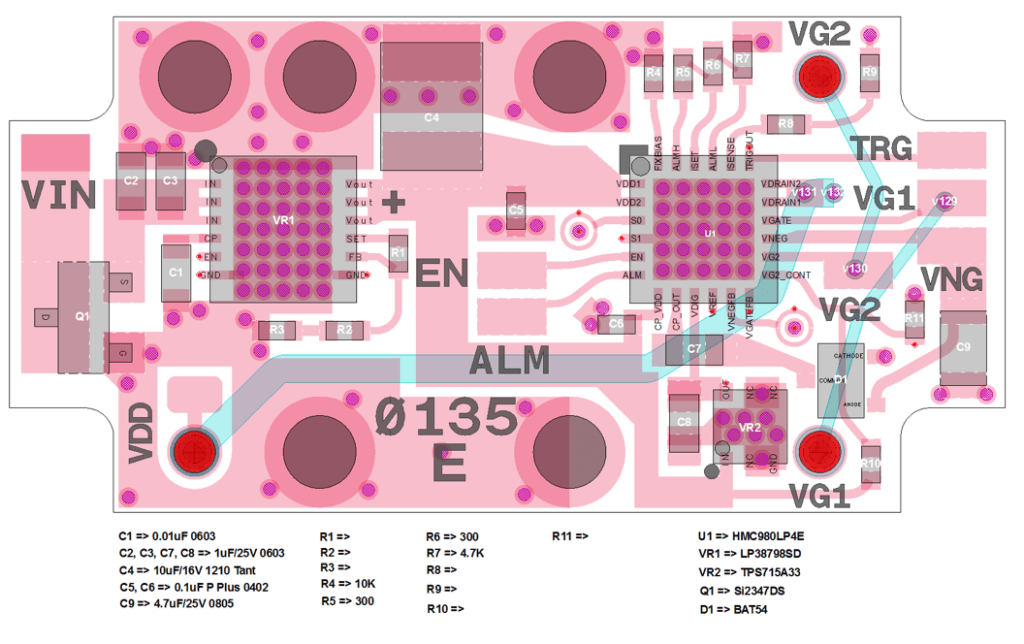
Active Bias Controller Tuning Guide
The HMC980 is an active bias controller that automatically adjusts an external amplifier’s gate voltage to maintain constant bias current. X-Microwave PCB 135 integrates the HMC980 with both positive and negative supply regulators, making it easy to support a wide range of amplifiers. While X-Microwave offers many pre-configured bias controller options, PCB 135 can also be reconfigured for other amplifiers by changing a few key resistors.
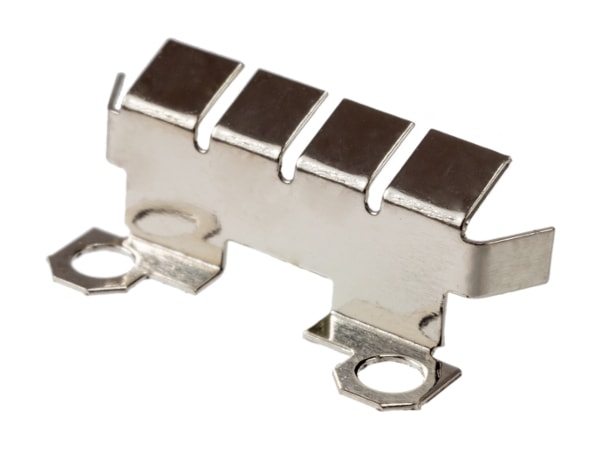
X-MWshield Installation Guide
The X-MWshield allows you to break up a cavity by placing a metal shield across a transmission line or at the junction between X-MWblocks. This short tutorial shows (in pictures) how to install the shield.